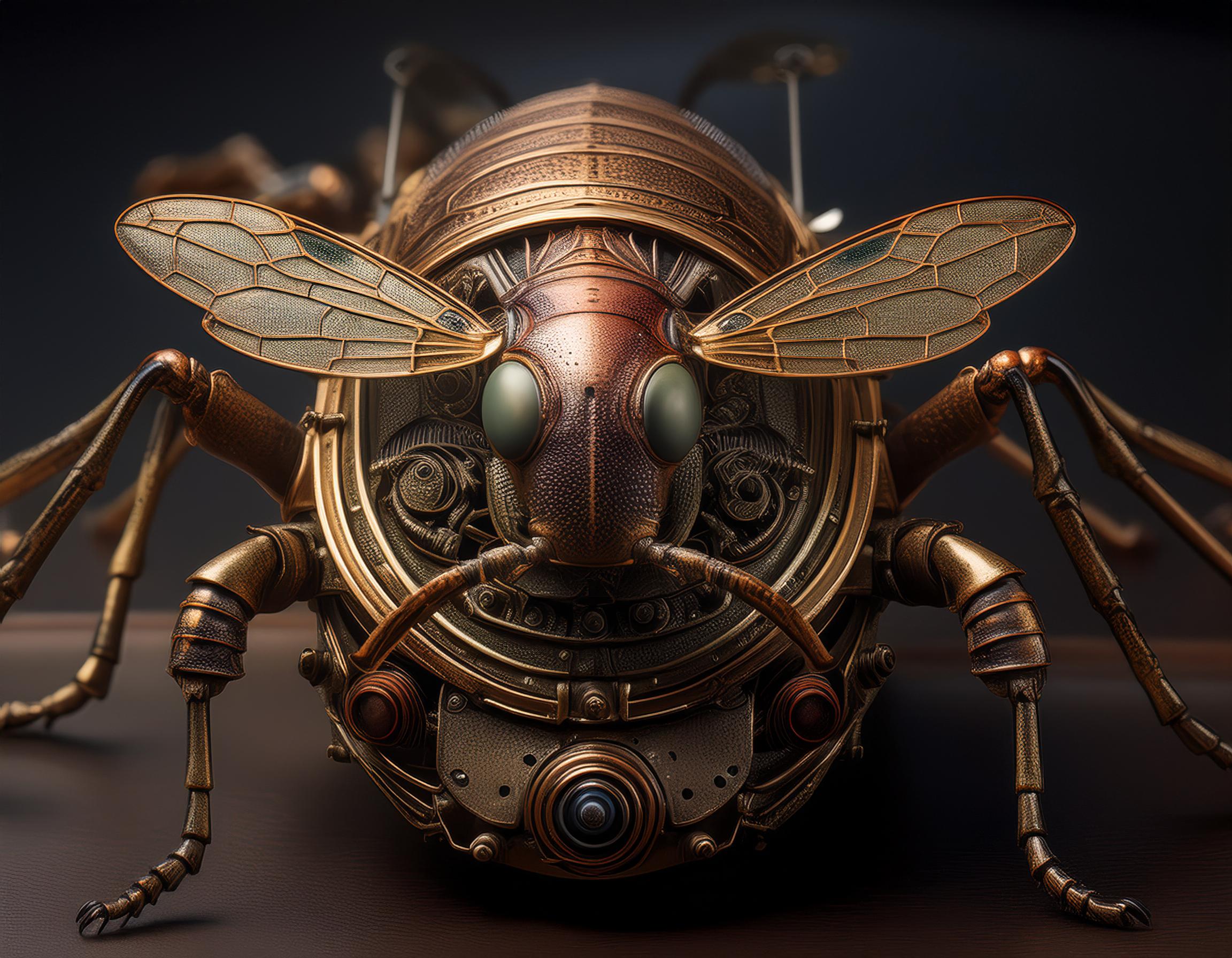
Several AI-powered online platforms can generate high-resolution images. Here are some popular ones:
- MidJourney:
- Website: MidJourney
- Description: MidJourney is an AI tool that generates high-resolution art and imagery based on textual prompts. It offers detailed and creative outputs, often used for artistic and creative projects.
- DALL-E:
- Website: DALL-E
- Description: Developed by OpenAI, DALL-E can generate high-resolution images from textual descriptions. It’s well-known for its ability to create imaginative and detailed images.
- Artbreeder:
- Website: Artbreeder
- Description: Artbreeder allows users to create new images by blending and modifying existing ones using AI. It’s particularly useful for generating portraits, landscapes, and various artistic images.
- Let’s Enhance:
- Website: Let’s Enhance
- Description: Let’s Enhance uses AI to upscale and enhance images, making them high-resolution. It’s great for improving the quality of existing images.
- DeepArt.io:
- Website: DeepArt.io
- Description: DeepArt.io converts photos into artworks using neural networks, often producing high-resolution artistic images.
- Runway ML:
- Website: Runway ML
- Description: Runway ML offers various AI models, including those for image generation and upscaling. It provides tools for creative projects and high-resolution outputs.
- NightCafe Creator:
- Website: NightCafe Creator
- Description: NightCafe Creator allows users to generate AI art from textual prompts and style transfer. It produces high-resolution artistic images and offers various customization options.
These platforms provide user-friendly interfaces and powerful AI models to generate high-resolution images from various inputs, making them accessible for both beginners and professionals.


Comments are closed